Every major AI image tool tested and ranked, so you know which one fits your actual use case.
1. How We Ranked These Tools
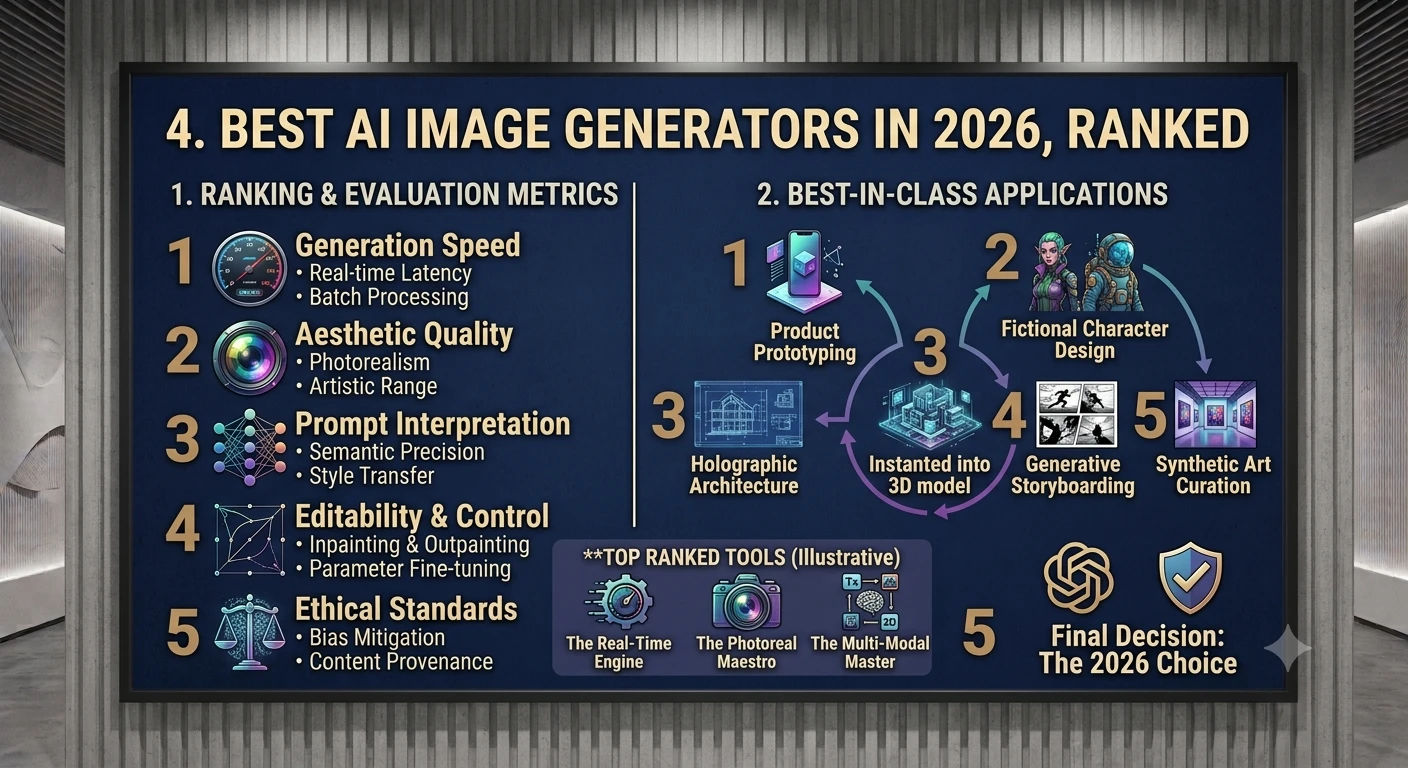
This ranking synthesizes three types of evidence: blind human-preference leaderboards (such as LM Arena / Artificial Analysis, where real people compare unlabeled outputs), hands-on reviews from multiple independent outlets, and each tool's practical fit for common real-world tasks — marketing assets, product photography, illustration, branding, and casual creative use.
We weighted four factors: image quality and realism , prompt adherence (does it actually do what you asked?), editing and control features (can you refine or iterate on an image?), and price-to-value . No tool wins on every dimension — the right pick genuinely depends on what you're making.
2. #1 — GPT Image 2 (OpenAI / ChatGPT)
OpenAI Built into ChatGPT Best overall
GPT Image 2 currently tops most blind-vote leaderboards by a wide margin, and its integration inside ChatGPT makes it the easiest top-tier tool to actually use well. Because it's built on the same conversational model as ChatGPT, you can refine an image purely through natural language — "make the lighting warmer," "move the cup to the left" — and it reliably understands and applies the change without regenerating the whole scene from scratch.
- Strengths: Best-in-class prompt adherence; excellent conversational editing; strong photorealism, especially for portraits and product shots.
- Weaknesses: Less distinctive "artistic" aesthetic than Midjourney; usage tied to a ChatGPT subscription for full access.
- Best for: Beginners, marketers, and anyone who wants to iterate on an image through conversation rather than re-writing prompts from scratch.
3. #2 — Nano Banana 2 / Pro (Google Gemini)
Google Gemini image generation Best free option
Google's Gemini-powered image model, nicknamed "Nano Banana," has rapidly become a favorite for its combination of quality and accessibility — it's genuinely usable for free through Gemini, and the Pro version adds the ability to reverse-engineer an existing image to tweak specific details like lighting, angle, or style.
- Strengths: Very strong realism, especially for human subjects and skin tones; free tier is actually good, not a crippled trial; fast generation speed; solid inpainting/editing support.
- Weaknesses: Model branding and exact underlying architecture aren't always clearly documented; artistic styles less distinctive than Midjourney.
- Best for: Anyone who wants strong quality without paying, or who is already inside the Google/Gemini ecosystem.
4. #3 — Midjourney V7
Independent Discord + Web Best for artistic style
Midjourney remains the aesthetic benchmark of the field — outputs consistently look "designed" rather than just generated, with curated color, composition, and lighting by default. V7 added a personalization engine that learns your taste after you rate enough images, plus much stronger character and style consistency across a series.
- Strengths: Unmatched default aesthetic quality; strong character/style consistency (--cref / --sref); active community and shared style references.
- Weaknesses: No official API — Discord or web app only; historically weak at rendering text inside images (though V8 alpha improves this); training data licensing is less transparent than some competitors, a concern for enterprise legal review.
- Best for: Marketing teams, editorial illustration, concept art, and anyone prioritizing visual polish over precise prompt control.
5. #4 — Flux.1 (Black Forest Labs)
Open-weight API + self-hosted Best for developers
Flux.1 has become the go-to open-weight model for technical teams that want to self-host or build image generation into their own product. Its Kontext variant is especially well-regarded for editing existing photos, and per-image API pricing makes it cost-effective at scale.
- Strengths: Open-weight (can be self-hosted); excellent photo editing via Kontext; cheap per-image API pricing; no vendor lock-in.
- Weaknesses: Requires more technical setup to get the most out of it; no polished consumer app experience out of the box.
- Best for: Developers, technical teams, and anyone needing to embed image generation directly into their own software.
6. #5 — Ideogram 3
Independent Web + API Best for text-in-image
Rendering legible, well-placed text inside an image — posters, logos, signage, ad creative — has historically been one of the hardest problems in image generation. Ideogram made this its core focus and remains one of the most reliable tools when your image needs to include actual words.
- Strengths: Best-in-class text rendering; strong for logos, posters, and branded creative; solid general image quality alongside the typography strength.
- Weaknesses: Less distinctive artistic style than Midjourney; smaller ecosystem than the bigger players.
- Best for: Designers making posters, ads, social graphics, or anything where in-image text needs to look clean.
7. #6 — Adobe Firefly
Adobe Creative Cloud Best for legal safety
Firefly's core differentiator isn't raw image quality — it's that Adobe trains exclusively on licensed and public-domain content and offers commercial-use indemnification. For businesses and legal teams wary of copyright risk in AI-generated assets, this is often the deciding factor over a marginally better-looking competitor.
- Strengths: IP indemnification for commercial use; deep integration with Photoshop and the rest of Creative Cloud; content-credential metadata for provenance tracking.
- Weaknesses: Generally trails the top leaderboard models on raw photorealism and stylization.
- Best for: Enterprises, agencies, and any commercial work where legal risk matters as much as visual quality.
8. #7 — Seedream 4 (ByteDance)
ByteDance Web + API Best for brand consistency
Seedream 4 produces crisp, high-resolution output and supports referencing up to six images at once — useful for keeping a product or character visually consistent across a whole campaign of generated assets.
- Strengths: Sharp 4K-capable output; strong multi-reference consistency for branded assets; competitive pricing for e-commerce-scale generation.
- Weaknesses: Slightly behind the top tier on overall realism in independent testing.
- Best for: E-commerce teams generating large volumes of consistent product imagery.
9. #8 — Recraft V4
Independent Web + API Best for vector/branding
Recraft stands apart by natively generating vector graphics and brand-consistent assets — icons, logos, and illustrations — rather than only raster images, which makes it unusually useful for design and branding workflows that need scalable output.
- Strengths: Native vector output; strong for icon sets, logos, and brand style systems.
- Weaknesses: Narrower use case than general-purpose photorealistic generators.
- Best for: Brand designers and teams needing scalable vector assets, not just flat images.
10. #9 — Stable Diffusion 3.5
Stability AI Open-source Best for power users
Stable Diffusion remains the standard bearer for fully open, self-hostable image generation. It trails the closed, hosted leaders on out-of-the-box quality, but offers complete control, no per-image fees once you're set up, and a massive ecosystem of community fine-tunes and plugins.
- Strengths: Free and open-source; runs locally with no ongoing cost; enormous plugin and fine-tune ecosystem (ControlNet, LoRAs, custom checkpoints).
- Weaknesses: Requires capable hardware and technical setup; generally behind the top hosted models on default output quality.
- Best for: Power users, hobbyists, and anyone who wants full local control and zero per-image cost.
11. Full Comparison Table
| Tool | Best For | Realism | Editing | Starting Price |
|---|---|---|---|---|
| GPT Image 2 | All-around, beginners | Excellent | Excellent | ChatGPT Plus, ~$20/mo |
| Nano Banana 2/Pro | Free option, realism | Excellent | Very good | Free (Gemini) |
| Midjourney V7 | Artistic style | Very good | Good | $10/mo |
| Flux.1 | Developers, self-host | Very good | Excellent (Kontext) | Pay-per-image API |
| Ideogram 3 | Text-in-image, posters | Good | Good | Free tier + paid plans |
| Adobe Firefly | Legal-safe commercial use | Good | Good | ~$10/mo (Creative Cloud) |
| Seedream 4 | Brand/product consistency | Very good | Good | API, usage-based |
| Recraft V4 | Vector/branding assets | Good | Good | Free tier + paid plans |
| Stable Diffusion 3.5 | Power users, self-host | Good | Excellent (plugins) | Free, open-source |
Prices and rankings shift frequently as models are updated — verify current pricing and leaderboard position directly with each provider before committing to a paid plan.
12. Which One Should You Pick?
| If you're a... | Pick |
|---|---|
| Total beginner who wants the simplest experience | GPT Image 2 or Nano Banana 2 |
| Budget-conscious creator wanting a genuinely good free tool | Nano Banana 2 |
| Designer chasing a distinctive artistic look | Midjourney V7 |
| Developer embedding image gen into a product | Flux.1 (API) or Stable Diffusion (self-host) |
| Making posters, ads, or anything with in-image text | Ideogram 3 |
| Enterprise worried about copyright/legal exposure | Adobe Firefly |
| E-commerce brand needing consistent product shots at scale | Seedream 4 |
| Brand/logo designer needing scalable vector output | Recraft V4 |
| Hobbyist who wants full local control, no fees | Stable Diffusion 3.5 |
13. Conclusion
There's no single "best" AI image generator in 2026 — the field has fragmented into specialists rather than converging on one universal winner. GPT Image 2 and Nano Banana 2 currently lead on raw quality and ease of use, Midjourney still owns the aesthetic high ground for artistic work, Flux.1 and Stable Diffusion serve developers and power users who want control and open access, and tools like Ideogram, Firefly, Seedream, and Recraft each solve a specific, real problem — text rendering, legal safety, brand consistency, and vector output, respectively.
The most practical approach is to match the tool to the job rather than searching for one app to rule them all: try the free tiers of two or three candidates on your actual use case — a real product shot, a real poster, a real character — and let the results, not the leaderboard alone, make the decision.
Because this field moves quickly, revisit rankings like this one every few months, and check a live leaderboard (such as LM Arena / Artificial Analysis) if you need the absolute latest standings.