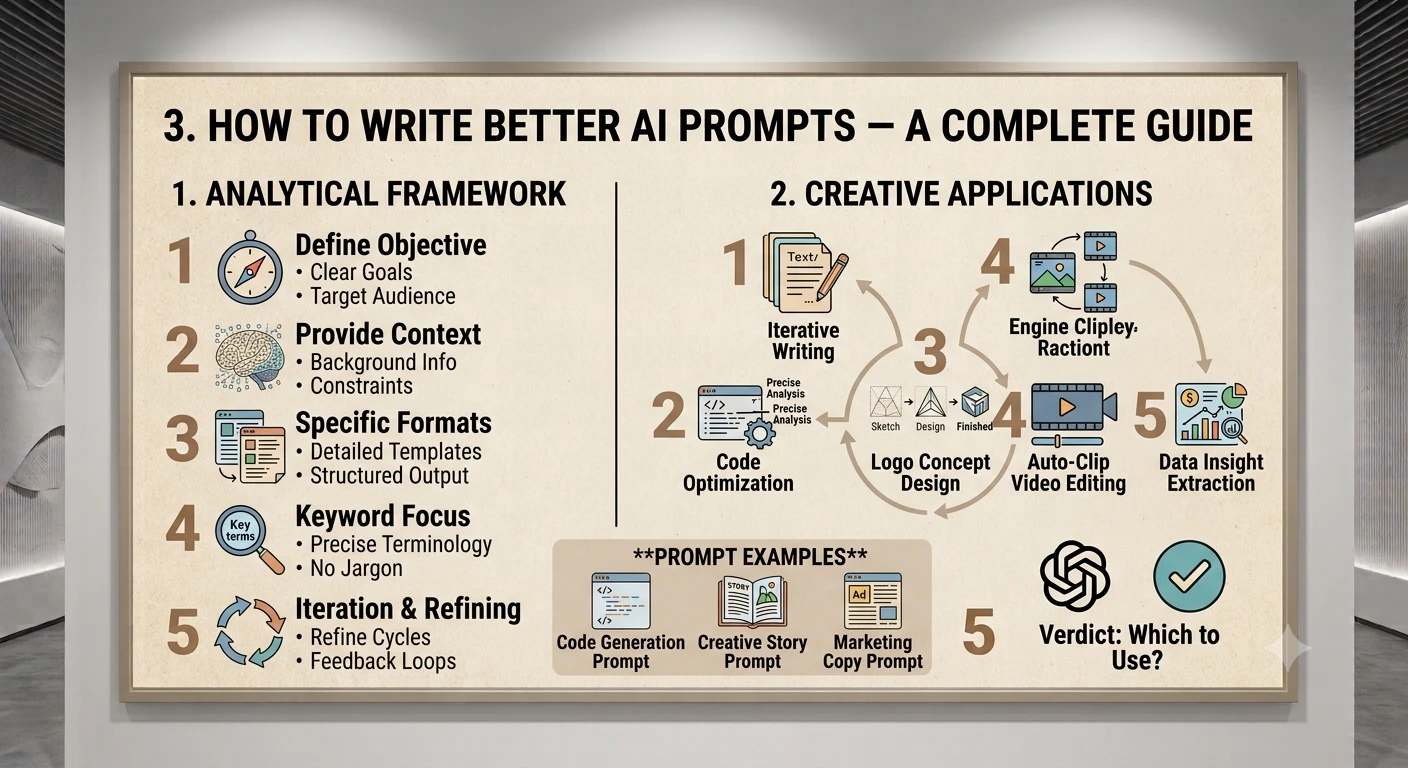
The habits and structures that separate a vague AI prompt from one that gets useful results.
1. Introduction — Why Prompting Skill Matters
The single biggest factor in whether an AI chatbot gives you a great answer or a mediocre one usually isn't the AI model itself — it's the prompt. The same underlying model can produce a generic, unhelpful response to a vague request, and a genuinely excellent one when asked the same question with a bit more structure and clarity.
This is because AI models like ChatGPT, Claude, and Gemini don't read your mind — they respond to exactly what you type, plus whatever context you give them. A well-written prompt removes ambiguity and gives the model everything it needs to produce a focused, useful answer on the first try, saving you multiple rounds of back-and-forth.
Think of prompting less like typing a search query and more like briefing a smart, capable assistant who has never met you before and can't see your screen.
2. The Anatomy of a Great Prompt
Most strong prompts combine some or all of the following ingredients. You don't need every element in every prompt — but knowing they exist lets you add the right one when a response isn't hitting the mark.
- Task: What exactly do you want the AI to do? (Write, summarize, explain, code, analyze, brainstorm...)
- Context: Background information the AI needs — who it's for, why you need it, relevant details.
- Format: How should the output look? (Bullet points, a table, a specific length, a tone.)
- Examples: A sample of the style or structure you want, if relevant.
- Constraints: Anything to avoid, required limits (word count, reading level, things to exclude).
- Role (optional): A perspective or expertise you want the AI to adopt.
3. Principle 1: Be Clear and Specific
Vague prompts get vague answers. The AI has to guess what you actually want, and it will often guess wrong or produce something generic. Specific prompts — with concrete details about topic, audience, length, and purpose — consistently produce far more useful results.
Weak prompt:
Write about marketing.
Strong prompt:
Write a 300-word LinkedIn post aimed at small business owners, explaining 3 low-cost social media marketing tactics they can start using this week. Keep the tone friendly and practical, not salesy.
Notice the strong version specifies the format (LinkedIn post), length (300 words), audience (small business owners), content (3 tactics), and tone (friendly, practical). None of that is left to chance.
4. Principle 2: Give Context
AI models have no memory of your situation unless you tell them. The more relevant context you provide — your goal, your constraints, your audience, relevant background — the more tailored and useful the response will be.
Weak prompt:
Help me write an email to my team.
Strong prompt:
Help me write a short email to my 6-person design team. We missed a client deadline last week due to a scope change that wasn't communicated clearly. I want to acknowledge the issue honestly, avoid blaming anyone individually, and outline 2 process changes going forward. Keep it under 150 words and keep the tone supportive, not harsh.
5. Principle 3: Show Examples (Few-Shot Prompting)
When you want a very specific style, structure, or tone, showing the AI one or two examples of what you want is often more effective than describing it in words. This technique is sometimes called "few-shot prompting."
Without examples:
Write catchy product names for a reusable water bottle.
With examples:
Write catchy product names for a reusable water bottle, in the style of these examples: - HydroFlask -> simple, functional, one word - SIGG Traveller -> brand + descriptor Now generate 8 more names following a similar short, punchy pattern.
Giving examples anchors the AI's sense of tone, length, and structure far more precisely than an adjective like "catchy" can on its own.
6. Principle 4: Ask for Step-by-Step Thinking
For anything involving reasoning, math, logic, or multi-step analysis, explicitly asking the AI to work through the problem step by step (sometimes called "chain-of-thought" prompting) usually produces more accurate, better-reasoned answers than asking for the final answer alone.
Weak prompt:
Should I lease or buy a car if I drive 12,000 miles a year?
Strong prompt:
I drive about 12,000 miles a year and typically keep a car for 4-5 years. Walk me through the key financial and practical factors for leasing vs. buying in my situation, step by step, and then give a clear recommendation with your reasoning.
7. Principle 5: Assign a Role or Persona
Asking the AI to respond "as" a particular kind of expert or perspective can sharpen the tone, vocabulary, and focus of its answer — especially useful for professional, technical, or creative writing.
Generic prompt:
Review my resume.
Role-based prompt:
Act as an experienced technical recruiter who has screened thousands of software engineering resumes. Review mine below and give direct, specific feedback on what would make a hiring manager stop scrolling, plus 3 concrete edits I should make.
Use this technique with judgment — it works best for tone and framing, not as a substitute for verifying important factual or professional advice yourself.
8. Principle 6: Specify the Output Format
If you have a format in mind, say so explicitly. AI models default to plain paragraphs unless told otherwise, which is often not the most useful shape for the information you actually need.
- Structure: "Give me this as a numbered list" / "Format this as a table with 3 columns"
- Length: "Keep it under 100 words" / "Write 5 paragraphs"
- Tone: "Formal and concise" / "Casual and encouraging"
- Audience level: "Explain like I'm new to this topic" / "Assume expert-level knowledge"
9. Principle 7: Set Constraints and Guardrails
Telling the AI what to avoid is just as useful as telling it what to include. This is especially helpful for preventing generic filler, unwanted content, or answers that miss your real constraints.
Without constraints:
Give me ideas for a birthday gift.
With constraints:
Give me 5 birthday gift ideas for my sister who loves hiking and reading. Budget is under $50. Nothing generic like a gift card, and nothing she'd need to assemble.
10. Principle 8: Iterate and Refine
Very few great outputs come from a single perfect prompt on the first try — and that's completely normal. Treat your first prompt as a starting point, then refine with follow-up instructions rather than starting over from scratch.
- "Make this more concise — cut it by half."
- "This is too formal, make it sound more conversational."
- "Good, but add a specific example after point 2."
- "Give me an alternative version with a more confident tone."
Because most AI chatbots keep track of the conversation, these follow-ups build on the previous answer rather than requiring you to repeat all your original context.
11. Common Prompting Mistakes to Avoid
- Being too vague: "Write something good about X" gives the AI almost nothing to work with.
- Overloading a single prompt: Cramming five unrelated requests into one message often means some parts get shortchanged — consider splitting complex tasks into steps.
- Forgetting the audience: The same topic needs very different treatment for a 10-year-old vs. a industry expert — always state who the output is for.
- Not specifying format upfront: If you know you want a table or bullet points, say so from the start rather than reformatting after the fact.
- Assuming the AI remembers unstated context: If you're referencing a previous project, document, or conversation the AI hasn't seen, paste or restate the relevant details.
- Accepting the first answer as final: For anything important, treat the first response as a draft to refine, and fact-check claims that matter.
12. Ready-to-Use Prompt Templates
For writing
"Write a [length] [format] about [topic] for [audience]. The tone should be [tone]. Include [specific points to cover]. Avoid [things to exclude]."
For learning something new
"Explain [topic] to me like I'm a beginner with no background in [field]. Use a real-world analogy, then give a short summary I could repeat to someone else."
For decision-making
"I'm deciding between [option A] and [option B] for [situation/context]. Walk me through the key trade-offs step by step, then give a recommendation with your reasoning."
For feedback or review
"Act as a [relevant expert role]. Review the following [document/resume/plan] and give direct, specific feedback: what's working, what's not, and 3 concrete changes to make. [Paste content]"
13. Conclusion
Writing better AI prompts isn't about learning secret magic words — it's about communicating as clearly with an AI assistant as you would with a very capable colleague who's new to your specific situation. Be specific about the task, give relevant context, show examples when style matters, ask for step-by-step reasoning on complex questions, and don't be afraid to iterate rather than expecting perfection on the first try.
These same principles apply whether you're using ChatGPT, Claude, Gemini, or any future AI assistant — because they're really about clear human communication, not about any one company's technology. The more deliberately you prompt, the more consistently you'll get answers that are actually useful on the first pass.
Start with one principle from this guide — specificity or context are the highest-impact places to begin — and notice the difference it makes the very next time you open a chat window.