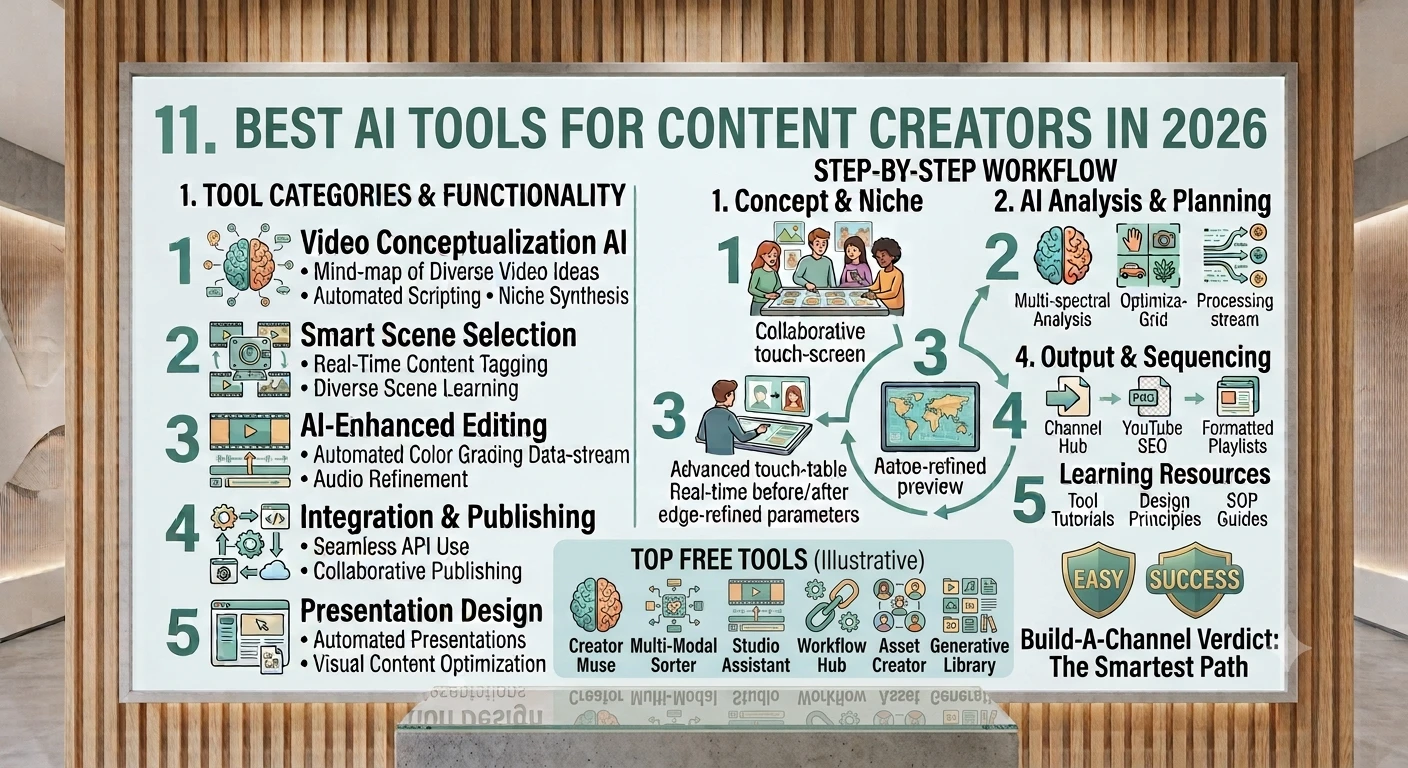
The most useful AI tools for creators right now, organized by what stage of content you're making — from writing and images through video, voice, and scheduling.
1. How the AI Content Landscape Has Shifted in 2026
AI adoption among creators and marketers has become mainstream rather than experimental. Industry surveys now put daily generative-AI use among marketing teams in the 82–85% range, up sharply from just a few years ago. A few clear shifts define the 2026 landscape:
- Integrated over standalone — most creators now prefer AI built directly into the apps they already use (docs, CMS, editors) rather than juggling separate tools
- Video costs have dropped sharply — high-definition text-to-video generation got dramatically cheaper between 2025 and 2026, making AI video practical for solo creators, not just studios
- Agentic AI is the new baseline — tools increasingly take multi-step action rather than just returning a block of text: research → draft → schedule
- Authenticity tooling has grown alongside generation — humanizing, fact-checking, and AI-detection tools are now a standard part of the workflow, not an afterthought
Source: Hootsuite, Elementor, and IMPACT 2026 AI content-tool roundups.
2. Category 1 — AI Writing, Research & Brainstorming
These are the foundation tools most creators open first — for outlines, scripts, captions, and research.
- ChatGPT (GPT-5) — the most versatile general-purpose tool; strong at brainstorming, structural planning, and complex reasoning across content types
- Claude — strong for longer-form writing, nuanced editing, and research synthesis; often preferred for careful, well-reasoned drafts
- Google Gemini — deeply integrated with Google Workspace and Search, useful for creators already living in Docs/Drive
- Jasper — built specifically for marketing teams needing consistent brand voice across high volumes of content
- Copy.ai — go-to-market focused; useful beyond pure content for outreach and campaign copy
- Perplexity — a research-first tool that answers with citations, useful for fact-gathering before you write
Treat AI drafts as a starting point, not a finished product — high-stakes or brand-defining content still benefits from human review and fact-checking.
3. Category 2 — AI Image Generation & Design
- Canva AI — the default choice for creators who need visuals fast without design skills; templates plus built-in AI generation
- Midjourney — still considered the gold standard for striking, original AI imagery rather than stock-photo-style output
- Nano Banana (Google) — a fast-growing AI image/photo-editing tool for turning photos into new creative variations
Pick Canva when speed and templates matter most; pick Midjourney when originality and visual style are the priority.
4. Category 3 — AI Video Generation (Text-to-Video)
Text-to-video has matured from novelty demos into a real production tool. Three models currently lead the field, each with different strengths:
Sora 2 (OpenAI)
Best for cinematic storytelling, character consistency across a clip, and complex narrative prompts. Available through ChatGPT/Sora app access. Generally weaker on native audio compared to Veo.
Veo 3.1 (Google DeepMind)
Best for native audio generation (synced dialogue, sound effects, ambient sound), physics realism (water, fire, crowds), and higher-resolution output up to 4K. Available via Google AI Ultra, Gemini API, and Vertex AI.
Seedance 2.0 (ByteDance)
A strong contender that leans into character and scene consistency across longer, multi-shot sequences — one of the historically hardest problems in AI video.
Rough routing guide: choose Sora for narrative/cinematic clips, Veo for anything needing synced audio or higher resolution, and Seedance when consistency across multiple shots matters most.
Source: MindStudio, EdenAI, and CometAPI 2026 model comparisons.
5. Category 4 — AI Video Editing & Auto-Clipping
- CapCut — the favorite among TikTok, YouTube, and Reels creators; free, auto-captions, transitions, templates
- Descript — edit by editing the transcript; strong for podcast-to-video and filler-word removal
- Opus Clip — automatically finds and clips the most engaging moments from long-form video (podcasts, webinars, interviews) and formats them for social
- Runway — pushes further into AI-powered video generation, background removal, and motion tracking for creators wanting cinematic polish
- Riverside / Captions.ai — turn long-form recordings into short, captioned social clips
This whole category exists to solve repurposing — turning one long recording into many short, platform-native clips without hours of manual editing.
6. Category 5 — AI Voice, Avatars & Dubbing
- ElevenLabs — realistic AI voice generation and cloning, widely used for narration and multilingual dubbing
- HeyGen — specializes in photorealistic AI avatar videos; used heavily for product explainers, training content, and international marketing without a camera or studio
- Synthesia — another leading avatar-video platform, popular for corporate and training content
7. Category 6 — Writing Polish, Humanizing & Fact-Checking
As more content starts as an AI draft, a second layer of tools has become standard — polishing that draft so it reads like a real person wrote it, and checking it for accuracy.
- Grammarly (Authenticity Suite) — bundles a humanizer, citation finder, plagiarism checker, and AI-detector into one review layer, working inside Docs, Word, Gmail, and Slack
- Writer — an enterprise-grade platform built for regulated industries (finance, healthcare, legal) that need strict brand and compliance guardrails
This step matters: a draft that sounds robotic or contains an unverified claim can damage trust faster than AI saved you time.
8. Category 7 — Social Scheduling & Distribution
- Hootsuite Social OS — connects creation and scheduling in one workflow for social-first teams
- Munch — combines auto-clipping with built-in scheduling/publishing so clips go straight from edit to post
9. Full Tool Comparison Table by Category
| Category | Top Picks | Best For |
|---|---|---|
| Writing & Research | ChatGPT, Claude, Gemini, Perplexity | Drafting, outlines, research |
| Image Generation | Midjourney, Canva AI, Nano Banana | Original art vs. fast templated visuals |
| Video Generation | Sora 2, Veo 3.1, Seedance 2.0 | Narrative clips, synced audio, multi-shot consistency |
| Video Editing | CapCut, Descript, Opus Clip, Runway | Editing, repurposing, auto-clipping |
| Voice & Avatars | ElevenLabs, HeyGen, Synthesia | Narration, avatar presenters, dubbing |
| Polish & Fact-Check | Grammarly, Writer | Humanizing drafts, compliance |
| Scheduling | Hootsuite Social OS, Munch | Publishing across platforms |
10. How to Build Your Own AI Content Stack
You don't need every tool in this guide. Most creators end up with a lean stack of 4–6 tools covering each stage of their workflow:
- One writing/research assistant (e.g., ChatGPT or Claude) for scripts, outlines, and captions
- One image or design tool (e.g., Canva AI or Midjourney) depending on whether you need speed or originality
- One video generation OR video editing tool, depending on whether you film yourself or generate footage
- One auto-clip/repurposing tool (e.g., Opus Clip) if you publish long-form content and want short-form spinoffs
- One polish/fact-check layer (e.g., Grammarly) before anything goes live
- One scheduler to publish consistently without manual posting
Start with one tool per stage, get comfortable, then add more only when a specific bottleneck appears.
11. Trends Shaping 2026
- Native AI inside existing platforms is now preferred over standalone web apps by a clear majority of creators
- Text-to-video generation costs have dropped substantially year-over-year, making it viable for solo creators and small teams, not just studios
- Native audio generation (synced dialogue and sound effects) is becoming a standard feature in top-tier video models rather than a bonus
- Agentic workflows — AI that plans and executes multiple steps, not just generates text — are increasingly the differentiator between tools
- Authenticity and originality tooling (humanizers, AI detectors, citation checkers) has become a standard part of the content pipeline
12. Common Mistakes When Adopting AI Tools
- Subscribing to too many overlapping tools instead of building a lean, purposeful stack
- Publishing AI-generated drafts without a human review or fact-check pass
- Choosing a video model based on hype rather than what your actual use case needs (narrative vs. audio-sync vs. consistency)
- Ignoring brand voice controls and governance features, which matter more once you're producing at scale
- Assuming pricing and free tiers stay fixed — this market changes plans and limits frequently
13. Quick-Start Checklist
- Pick one writing assistant and use it for a week of scripts/captions before adding anything else.
- Choose one image tool based on whether you need speed (Canva) or originality (Midjourney).
- If you make video, decide: generate footage (Sora/Veo/Seedance) or edit filmed footage (CapCut/Descript).
- Add an auto-clip tool once you have long-form content worth repurposing.
- Add a polish/fact-check layer before anything goes live.
- Add a scheduler once you're publishing consistently across more than one platform.
- Revisit your stack every few months — this category moves fast.
Compiled from current 2026 industry roundups (Hootsuite, IMPACT, Elementor, OnlyOffice, MindStudio, EdenAI, CometAPI). Tool pricing, free tiers, and feature sets change frequently — verify current details directly on each platform before subscribing.